
POS System for Retail and F&B, With Accounting Built In
Niagawan PosPro combines a POS system and Niagawan Accounting System in one package. Your cashier completes the sale at the counter, and it is recorded in your accounts.
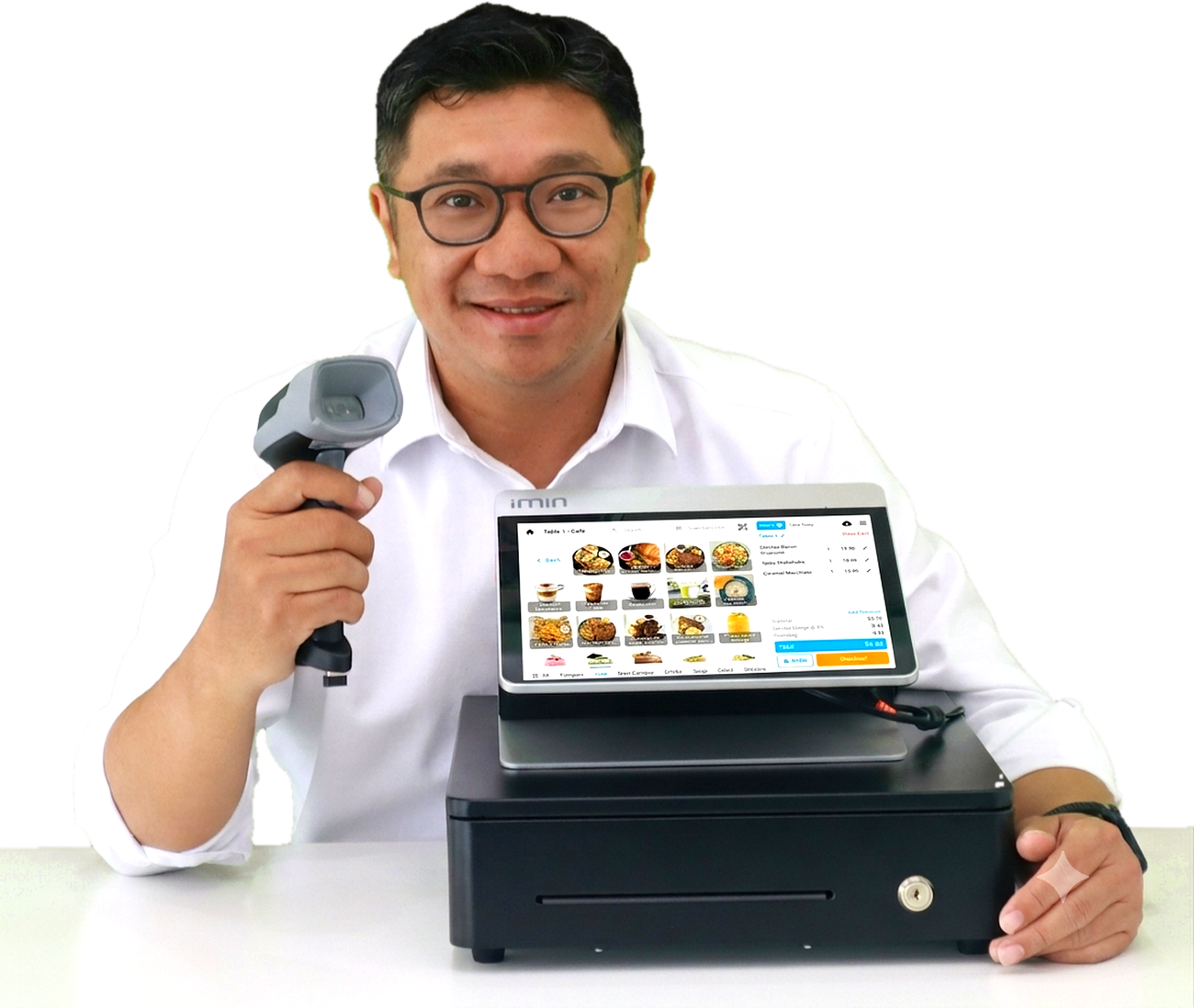

A Simple Checkout for Every Sale
Niagawan PosPro sales screen at a retail counter
- 1
Select the Items
Scan the barcode or tap the item on the screen.
- 2
Accept Payment
Accept cash, DuitNow QR, e-wallet or card, and select the payment method in the POS.
- 3
Print the Receipt
The receipt is printed and the sale is saved in the system.
Payment methods are recorded in the POS only. Niagawan PosPro does not connect to card terminals or payment systems.
One POS System for Retail Shops and F&B Outlets
Scan Barcodes and Apply the Right Price
Each scan brings up the regular, promotional or member price you have set, and stock is deducted once the sale is completed.
Take Orders by Table
Staff select the table and enter the order in the POS. Orders can be printed in the kitchen, and customers can also order by QR.
Your Counter Sales Are Already in Your Accounts
Sales made in Niagawan PosPro are recorded in Niagawan Accounting System and stock is deducted, so there is no need to enter them again.
-
Check Your Stock Balance
Items sold at the counter are already deducted. Review the balance in your stock list.
-
Review Monthly Sales
Counter sales sit alongside your invoices, supplier bills and other expenses.
-
See Your Profit and Loss
Open the profit and loss report for the period you choose.
Review Your Sales When You Close the Shift
Open a Shift
Each cashier opens a shift before selling, and sales are recorded under their name.
Close and Count the Drawer
The Shift Report shows how much cash should be in the drawer. Count the actual cash and compare.
Sales by Cashier
Review how much each cashier sold.
Offline Mode
Keep selling if the internet goes down. Sales are recorded and synced once you are back online.
Use Your Own Device or Add POS Hardware
Niagawan PosPro runs on a suitable phone or tablet. POS hardware is available if you prefer a full counter setup. Hardware is purchased separately and is not included in the RM797 package.
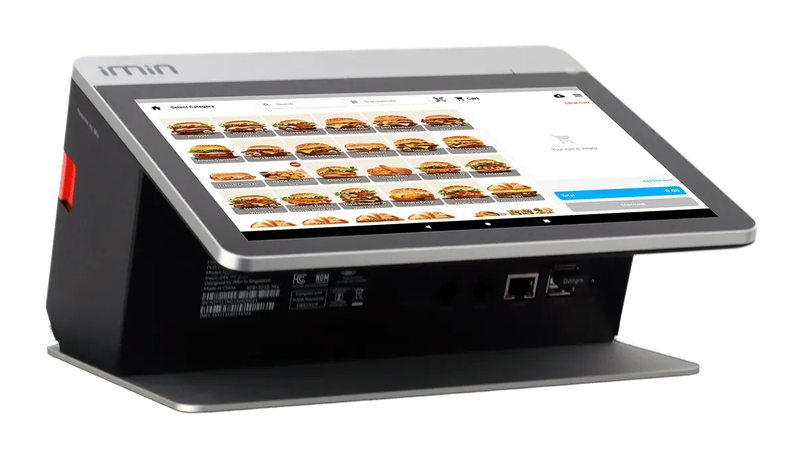
iMin Falcon 1
Counter terminal with a built-in receipt printer
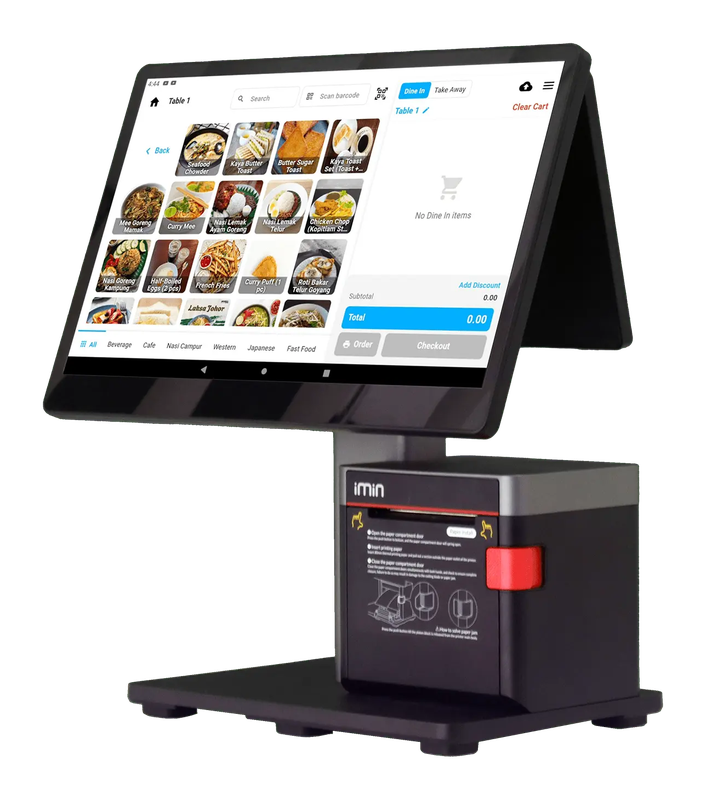
iMin Swan 2
Dual-screen terminal with a customer-facing display
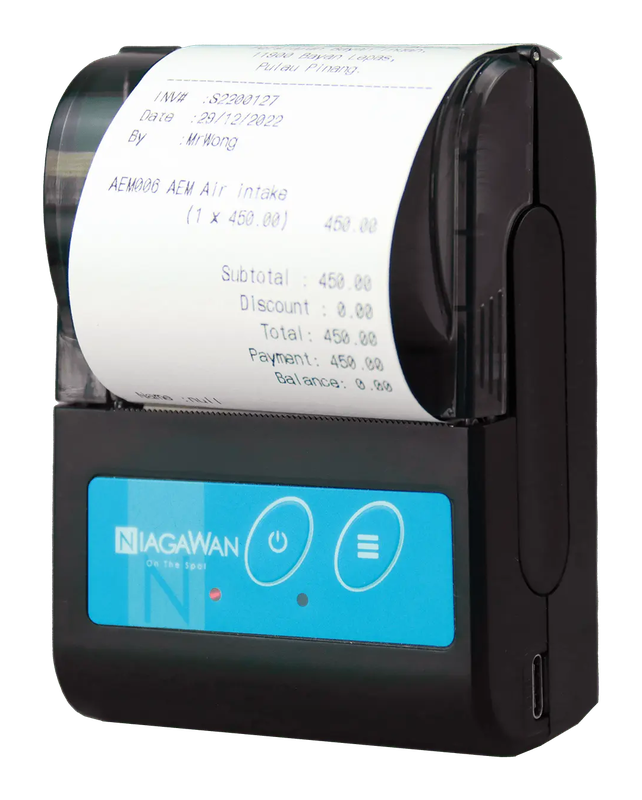
Bluetooth Printer
Prints receipts from a suitable phone or tablet
LHDN e-Invoice at the Counter
Customers Request by QR
A QR code is printed on the receipt. Customers scan it and enter their own details to request an e-Invoice.
Monthly Consolidated e-Invoice
For sales where no e-Invoice was requested, you submit a Consolidated e-Invoice by the 7th of the following month.
Invoices for Company Customers
Create the invoice in Niagawan Accounting System and submit it as an e-Invoice at no extra charge.
POS System for Shops, Cafés and Restaurants
No counter, and you sell by quotation and invoice? Niagawan Accounting System may be a better fit.
Explore Niagawan Accounting SystemNiagawan PosPro Pricing
Niagawan PosPro
POS + Niagawan Accounting System
2 users + main outlet
- POS with barcode scanning, table management, kitchen printing and shifts
- QR ordering
- Offline mode
- Niagawan Accounting System: invoices, purchases, stock and reports
- LHDN e-Invoice at no extra charge
Optional Extras
- Additional userRM100 / user / year
- Additional outletRM300 / outlet / year
- SST add-onRM200 / year
- HardwarePurchased separately
Prices are per year and exclude SST. Your first subscription is covered by a 14-day money-back guarantee. Hardware purchases are non-refundable.
See Full PricingLooking for Accounting Software or a POS System for Your Business?
Chat with our team on WhatsApp and we will show you how Niagawan fits your business.
e-Invoice included · Unlimited documents · Free WhatsApp support