
Cake Orders and Deposits Still in WhatsApp?
Niagawan PosPro records your counter sales. Cake orders become invoices, with the deposit and balance on the same invoice.

Who Paid a Deposit, and Who Still Owes?
Walk-in customers buy bread and cakes at the counter. Cake orders come in on WhatsApp, with a deposit first and the balance at pickup.
Order deposits sit in the chat.To check who has paid, you scroll through messages.
Cake prices are set by feel.Butter and eggs cost more, but ingredient purchases aren't recorded.
The cash in the drawer can't be checked.There is no sales record to compare it with.
You don't know which items sell best.There is no record of sales by item.
Hard to Know What the Shop Really Makes
Flour, butter and packaging keep going up. If you only learn your profit at year end, it is too late to change your prices. Money also comes in pieces: cash at the counter, deposits by transfer, balances at pickup.
Counter Sales and Cake Orders in One System
Counter sales and order payments are recorded in your shop's accounts.
Sell at the Counter
Each sale is recorded by item and payment method.
Raise an Invoice for the Order
Enter the cake, the pickup date and the deposit.
Record the Balance
The customer pays the rest at pickup. The receipt can be shared via WhatsApp.
Check What Is Still Owed
See which orders still have a balance.
See How PosPro Works
All of this comes with Niagawan PosPro.
Record Counter Sales by Item
Bread, kuih and cake slices are recorded item by item.
- Payment method recorded: cash, transfer or DuitNow QR
- At shift close, compare the cash in the drawer with the Shift Report
Turn Cake Orders Into Invoices
Use the invoice in Niagawan PosPro to record the order, the deposit and the balance.
- The balance shows before pickup day
- When the customer pays the balance, you record it and the invoice shows as paid
- No separate system for orders
Keep Ingredient Bills and Rent on Record
Flour, butter and eggs from suppliers are recorded as Purchase Invoices. Rent and wages are recorded as expenses.
- Supplier records are there to check when costs go up
Check Your Monthly Profit
The Profit and Loss report shows your recorded sales, cost of goods sold and operating expenses, so you can review your bakery's overall profit.
- Sales minus ingredient purchases (COGS) = gross profit
- Minus rent, wages and utilities = net profit
- Share the report with your accountant
- See units sold and gross profit for each cake or bread product when product costs are recorded
e-Invoice for Walk-In Sales Too
Walk-in sales can be combined into a consolidated e-Invoice, which you submit yourself by the 7th of the following month. Your daily routine doesn't change.
- Orders can have their own e-Invoice when needed
- Start when you need it
Everything a Bakery Needs, in One Package
This is the whole set: Niagawan PosPro, the counter terminal, a WiFi printer and the cash drawer.
Niagawan PosPro + Counter Set
Everything below, ready for tomorrow morning's first customer.
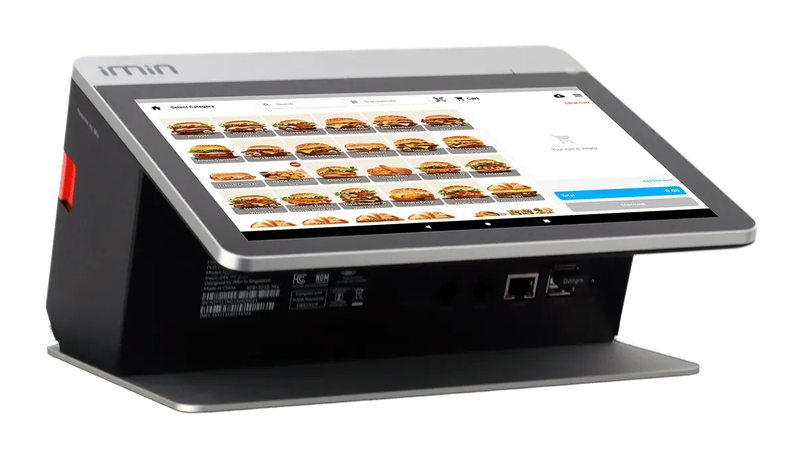
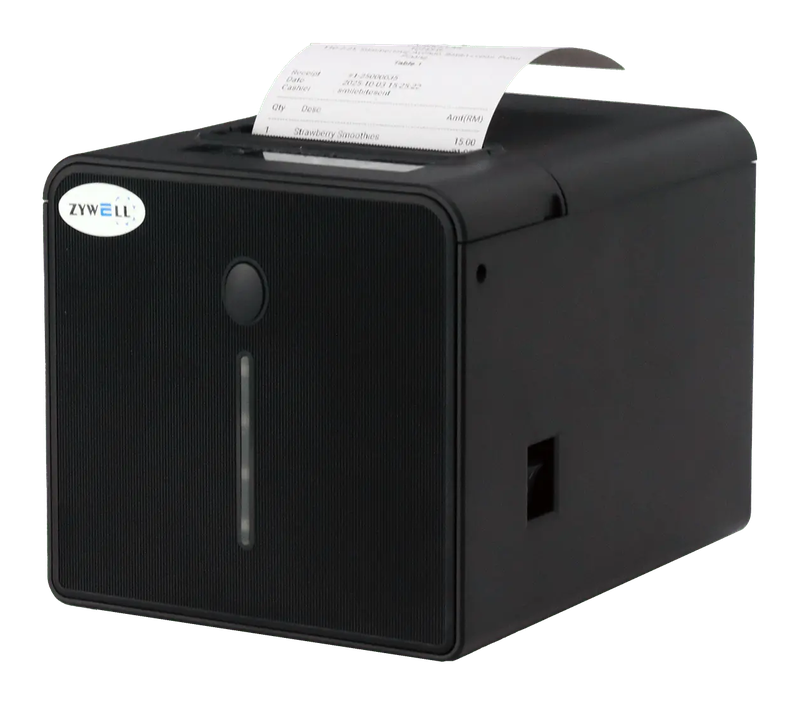
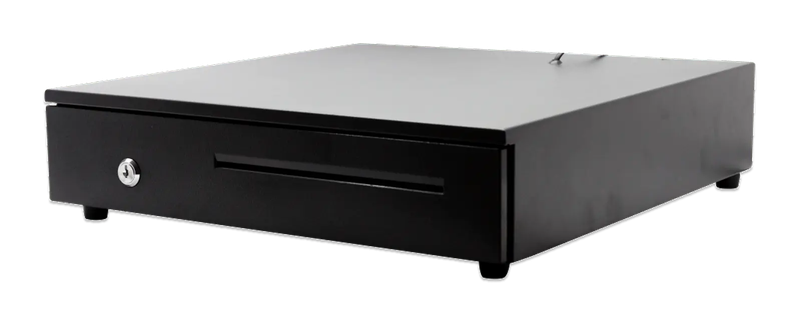
iMin Falcon 1 · WiFi printer · Cash drawer (4-slot)
The software — billed yearly
The counter set — bought once
After the first year, you only renew the software RM797 / year
Prices exclude SST. The hardware is yours — bought once, not rented.
14-day money-back guarantee — full refund, no complicated questions. (Software subscription only; hardware excluded.)
What Business Owners Like You Say
“The best accounting system, Niagawan. SBA Pest Solution has used it for 5 years — very satisfied. Very easy for those with no accounting background, and best of all, Niagawan fills in automatically into the LHDN format.”
“Truly a helpful tool that played a big role in bringing my company to this level. Easy to use, effective, and highly beneficial for business growth. Highly recommended.”
“The system makes my business very easy, especially money in and out, profit and loss and so on. The functions are excellent and easy to use — just a couple of clicks and it's settled.”
Questions Owners Always Ask
Never Used a System Before. Is It Hard to Start?
What Happens If the Internet Is Slow or Drops?
Sent an e-Invoice With a Mistake. Can I Fix It?
I Have a Few Branches. Can I See Each One's Sales?
Can I Get a Refund If It Doesn't Suit My Shop?
Looking for Accounting Software or a POS System for Your Business?
Chat with our team on WhatsApp and we will show you how Niagawan fits your business.
e-Invoice included · Unlimited documents · Free WhatsApp support