
Customer Needs an e-Invoice? Keep Your Business Moving
A customer asks for an e-Invoice, and your cashier has to stop and collect a TIN. With Niagawan's e-Invoice software, the customer fills in their own details by QR and you submit to LHDN from the system you already bill in. No extra module charge once you enable it.
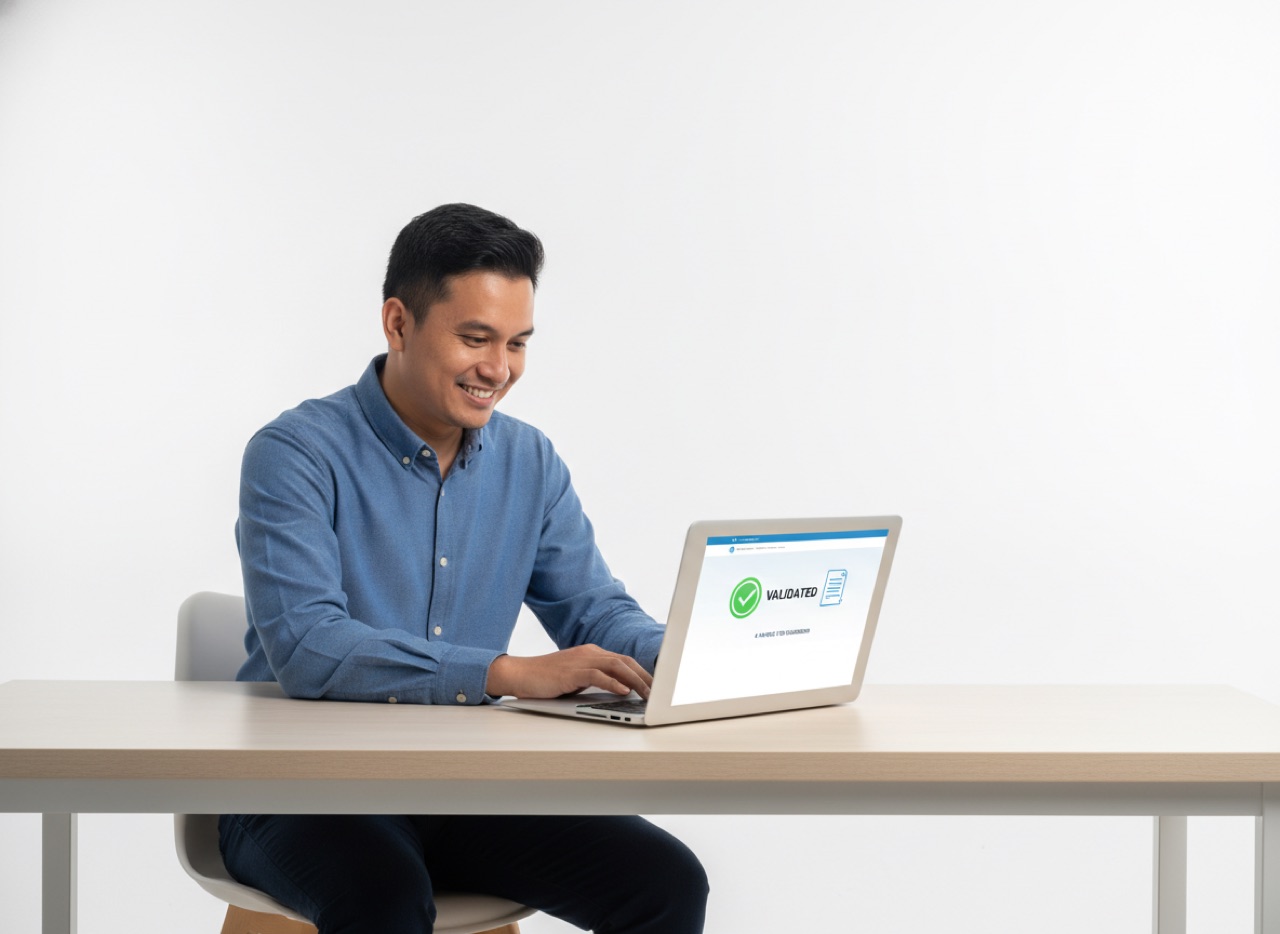
"Boleh bagi e-Invoice?" — and the queue stops while your cashier asks for a TIN the customer does not have.
How e-Invoicing Works in Niagawan
Your staff bill the way they do today. The customer does the typing.
Bill as Usual
Every invoice carries a Niagawan QR code in the footer.
The Customer Scans the QR
A customer who wants an e-Invoice enters their own details and confirms them.
You Submit, LHDN Validates
LHDN validates each e-Invoice and returns its own QR code, which is kept on the final e-Invoice.
What You Handle From Niagawan
Three things you deal with every month, and three you will need now and then.
Let Customers Enter Their Own Details
A customer asks for an e-Invoice at the counter. They scan the QR on the invoice and fill in their own TIN and details, so your cashier does not have to ask.
Invoice footer with the QR code to request an e-Invoice (QR blurred)
One Consolidated e-Invoice for Customers Who Never Ask
Invoices nobody requested an e-Invoice for are not sent automatically: the Consolidate tab shows how many are waiting, and you submit them as one document by the 7th of the following month.
Consolidate tab showing invoices not yet consolidated
See What Reached LHDN, and What Failed
Each submitted invoice shows its e-Invoice status, and failed ones are listed in the Report tab so you can follow them up.
e-Invoice report listing a failed e-Invoice
Set Up Once, Before Your First e-Invoice
Fill in your business details, including your TIN and MSIC code, and add Niagawan as your intermediary in MyInvois by following the steps on screen.
e-Invoice details form in Niagawan e-Invoice software
Steps to add Niagawan as your intermediary in MyInvois
Supplier Can't Issue an e-Invoice? Raise a Self-Billed One
For a purchase from a local individual who cannot issue one, raise the Self-Billed e-Invoice from the Self Billed tab.
Self Billed tab in the e-Invoice module
Sent a Wrong e-Invoice? Cancel or Correct It
Cancel it within 72 hours, or correct it with a Credit Note after that. The Report tab lists your e-Invoices by month and status.
e-Invoice report by month and status
What Changes at Your Counter and at Month-End
Your billing stays the same. What changes is who does the typing, and what you can see.
Niagawan does not send invoices to LHDN on its own. You submit, and LHDN validates.
Wherever You Bill
In Niagawan Accounting System
Issue the e-Invoice from the invoice you already raise.
See it in actionAt the Niagawan PosPro Counter
Issue an e-Invoice from the counter.
See it in actione-Invoice is part of Niagawan Accounting System and Niagawan PosPro. Enable it once in your settings.
e-Invoice: Common Questions
Is There an Extra Charge for e-Invoice?
Do I Have to Ask Customers for Their TIN?
What About Invoices Where the Customer Didn't Ask for an e-Invoice?
When Do I Use a Self-Billed e-Invoice?
There Are Two QR Codes. What's the Difference?
What Business Owners Like You Say
“Makes buying and selling easier for our company. Going paperless also saves us a lot. e-Invoice is in this system too. Thank you, Niagawan.”
“The best accounting system, Niagawan. SBA Pest Solution has used it for 5 years — very satisfied. Very easy for those with no accounting background, and best of all, Niagawan fills in automatically into the LHDN format.”
“Easy to navigate and a good mobile interface. What I like the most is their WhatsApp customer service. For people like me who don't know much about accounting and bookkeeping, this is very, very helpful.”
14-day money-back guarantee — full refund, no complicated questions. (Software subscription only; hardware excluded.)
Looking for Accounting Software or a POS System for Your Business?
Chat with our team on WhatsApp and we will show you how Niagawan fits your business.
e-Invoice included · Unlimited documents · Free WhatsApp support