
Lost Track of Which Supplier Bills Are Due?
Niagawan PosPro scans every item at the counter and keeps your supplier bills in the same system, each with its due date.
Which Bill Do You Pay First?
A minimart carries hundreds of items from many suppliers. Each supplier has its own bills and due dates, and buying prices keep changing.
Supplier bills sit in a file.To see what's unpaid, you check them one by one.
You're not sure the cash will cover them.There's no list of the bills due this week.
Staff can't remember every price.New staff are the slowest at the counter.
Supplier prices go up, selling prices don't.When buying costs aren't recorded, you don't notice your profit shrinking.
A Normal POS Only Records the Sale
Supplier bills are kept somewhere else, so you only learn what the shop made when the accountant closes the books.
Counter Sales and Supplier Bills in One System
Each supplier bill is recorded with its due date, and the item cost comes from the same bill.
Scan at the Counter
Scan the barcode and take payment. Cash and QR are recorded separately.
Record the Supplier Bill
Enter what each item cost and when the bill is due.
See Gross Profit by Product
The Product Report shows units sold, sales, cost and gross profit for each item.
Check What's Due
See which supplier bills to pay this week.
When the same item arrives at a new price, the system recalculates its average cost.
See How PosPro Works
All of this comes with Niagawan PosPro. SST is a paid add-on.
Scan Items at the Counter
The price comes up when the item is scanned.
- Staff don't need to remember prices
- Set each selling price once
Check the Cash at Shift Close
At shift close, compare the cash in the drawer with the expected cash in the Shift Report.
- Cash and QR takings are recorded separately
- Purchases paid in cash and by bank are recorded separately
- Small cash spending, like petrol and plastic bags, is recorded too
Keep Every Supplier Bill on Record
Supplier bills are saved in the system, ready when the bank or LHDN asks for records.
- Record the due date on each bill
- The stock list shows how much of each item is left
- Sales and purchase records can support a loan application
- See units sold and gross profit for each product in the Product Report when product costs are recorded
e-Invoice Ready for Walk-In Sales
Walk-in sales without a customer e-Invoice can be combined into a consolidated e-Invoice, which you submit yourself each month.
- e-Invoice (LHDN MyInvois) is included, not a paid add-on
- With the SST add-on (RM200 a year), SST is calculated on each sale
- Start when you need it
Check Profit and Cash in Hand
Your reports come from the same sales and purchase records.
- Profit and Loss, cash position and tax reports
- Cash position is sales minus spending and supplier bills paid
- No waiting for your accountant
Everything a Minimart Needs, in One Package
This package includes Niagawan PosPro, the counter terminal, a barcode scanner and a cash drawer.
Niagawan PosPro + Counter Set
Everything on this list to open the counter.
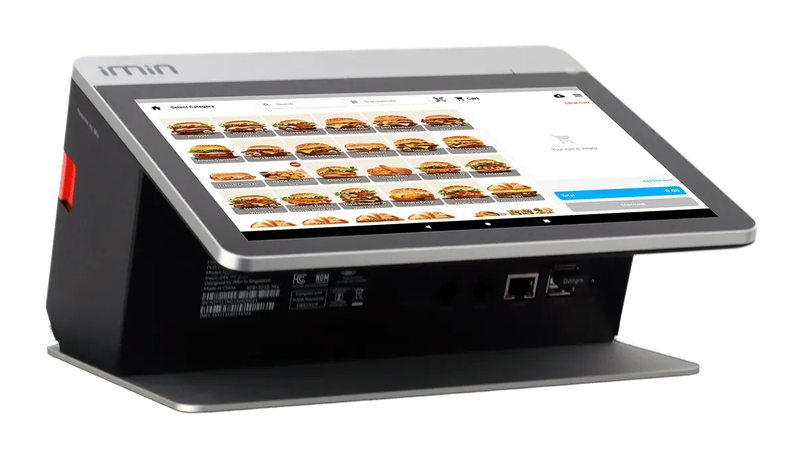
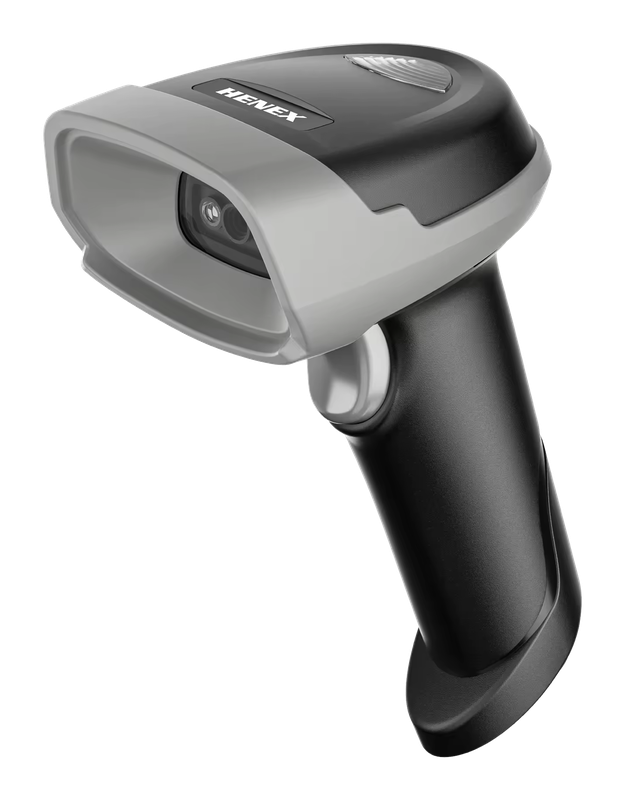
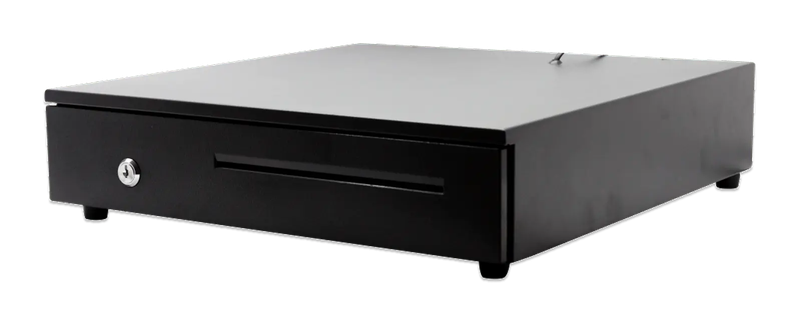
iMin Falcon 1 · Bluetooth scanner · Cash drawer (4-slot)
The software — billed yearly
The counter set — bought once
After the first year, you only renew the software RM797 / year
Prices exclude SST. The hardware is yours — bought once, not rented.
14-day money-back guarantee — full refund, no complicated questions. (Software subscription only; hardware excluded.)
What Business Owners Like You Say
“Been using Niagawan for over 2 years. Alhamdulillah, it's easy and user-friendly. The system and layout keep improving year after year. Customer service is also quick to respond and easy to deal with.”
“I've been using Niagawan since 2021 and overall it's been a great experience. The system is easy to use, even for beginners, and it covers all the essential features to run an online business smoothly. What I like most is how user-friendly it is and how stable the platform has been over the years.”
“Alhamdulillah, now in its 6th year — using the Niagawan app makes all business and accounting matters much easier.”
Questions Owners Always Ask
Do I Pay Every Year?
My Shop's Internet Drops Often. Can I Still Sell?
I Already Have a Cash Drawer and Printer. Is There an Instalment Plan?
Can I Attach the Supplier's Bill?
I Have More Than One Shop. Can I See Each Outlet?
Looking for Accounting Software or a POS System for Your Business?
Chat with our team on WhatsApp and we will show you how Niagawan fits your business.
e-Invoice included · Unlimited documents · Free WhatsApp support