
Only You Know Every Price in the Shop?
With Niagawan PosPro, staff scan the item and the price comes up, so the counter doesn't have to wait for you.
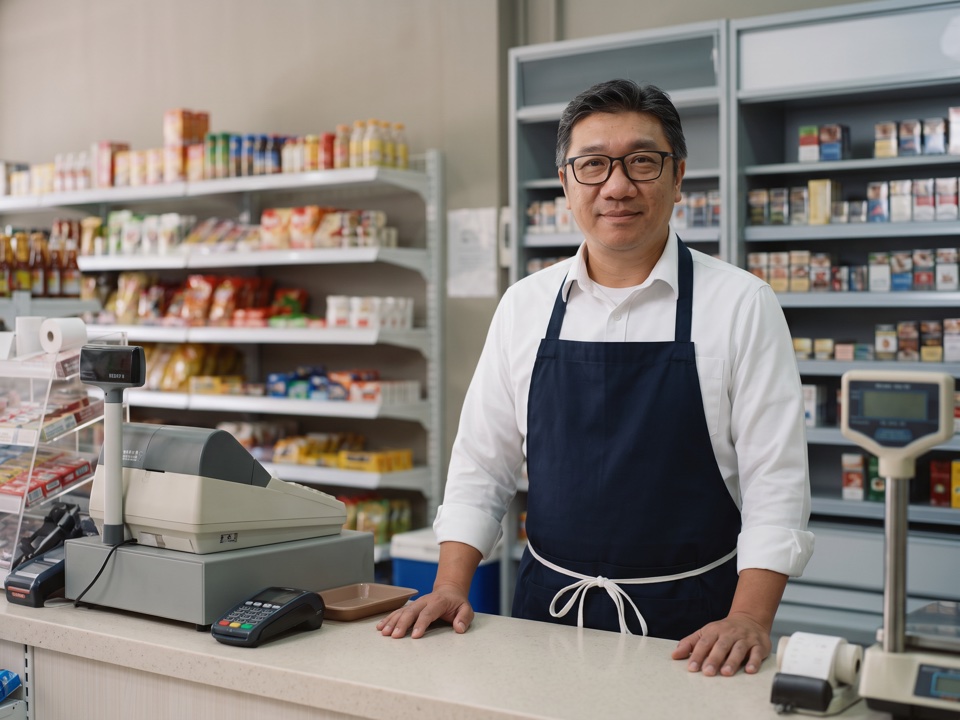
Harder to Manage as the Shelves Fill Up
Suppliers drop stock at the door and it goes on the shelf. Customers buy all day, priced from memory. At closing, you count the drawer.
Only you can run the counter.When you're away, staff guess the prices, so the shop is hard to open without you.
You reorder by looking at the shelf.Fast sellers run out first, and slow stock sits until it expires.
Customer credit is in a notebook.Over time, it's hard to tell who has paid.
The drawer count can't be checked.When cash is short, you can't tell why.
Hard to Know What the Shop Really Makes
Some items earn a lot, others very little, and your best sellers aren't always the most profitable. With supplier bills in a drawer, there's no figure for what your stock is worth or what you owe suppliers.
Every Scan Records the Sale and Stock
Every sale reduces your stock and is recorded in your accounts. Customers who pay later get an invoice in Niagawan Accounting System, which comes with PosPro.
Scan the Item
The price is the one you set, so staff can run the counter without memorising prices.
Stock Goes Down With Each Sale
Check what's left before you place an order.
Record the Supplier Bill
Stock goes up, the item's cost is updated and what you owe the supplier is recorded.
See Profit by Product
See sales and gross profit for each item, after the cost of goods.
See How PosPro Works
All of this comes with Niagawan PosPro.
Scan, and the Price Comes Up
Staff scan or search for the item, and the price you set comes up on the sale.
- Staff don't need to memorise prices
- Set each selling price once
Record the Supplier Bill
Key in the supplier's bill instead of leaving it in a drawer.
- Record the due date on each bill
- What you owe the supplier is recorded
- Stock goes up and the item's cost is updated
Check Your Shop's Profit
The Profit and Loss report comes from your sales, supplier bills and expenses.
- Choose the month or year
- Rent, wages and utilities are recorded as expenses
- No waiting for your accountant
Selling Consignment Goods?
Kuih, frozen food or bread that a supplier leaves in your shop, and you pay only for what sells.
What You Can Check
When the supplier comes to collect, check in Niagawan how many of their units sold.
Pay the supplier only for what sold.
Everything a Retail Shop Needs, in One Package
This package includes Niagawan PosPro, the counter terminal, a barcode scanner and a cash drawer.
Niagawan PosPro + Counter Set
Everything on this list to start selling.
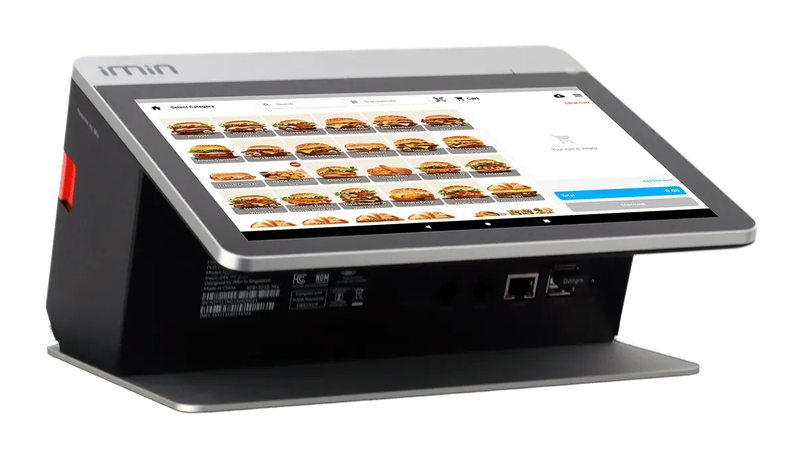
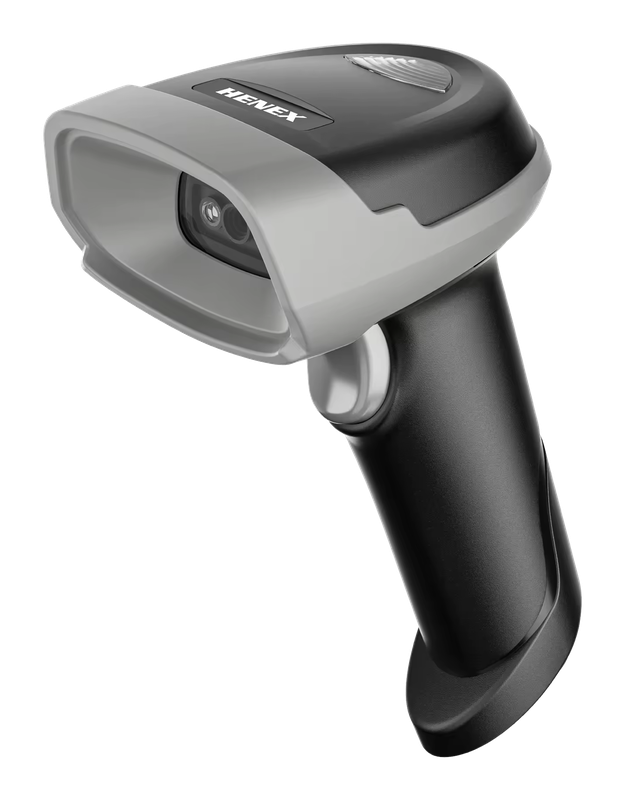
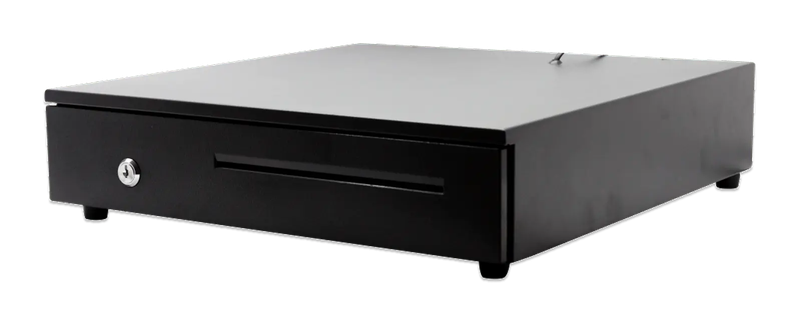
iMin Falcon 1 · Bluetooth scanner · Cash drawer (4-slot)
The software — billed yearly
The counter set — bought once
After the first year, you only renew the software RM797 / year
Prices exclude SST. The hardware is yours — bought once, not rented.
What Business Owners Like You Say
“Truly a helpful tool that played a big role in bringing my company to this level. Easy to use, effective, and highly beneficial for business growth. Highly recommended.”
“The best accounting system, Niagawan. SBA Pest Solution has used it for 5 years — very satisfied. Very easy for those with no accounting background, and best of all, Niagawan fills in automatically into the LHDN format.”
“I've used their products since 2021 — the best, and very helpful for traders who don't have a finance background.”
14-day money-back guarantee — full refund, no complicated questions. (Software subscription only; hardware excluded.)
Looking for Accounting Software or a POS System for Your Business?
Chat with our team on WhatsApp and we will show you how Niagawan fits your business.
e-Invoice included · Unlimited documents · Free WhatsApp support