1. Should I Choose Niagawan POS Lite or Niagawan POS Pro?
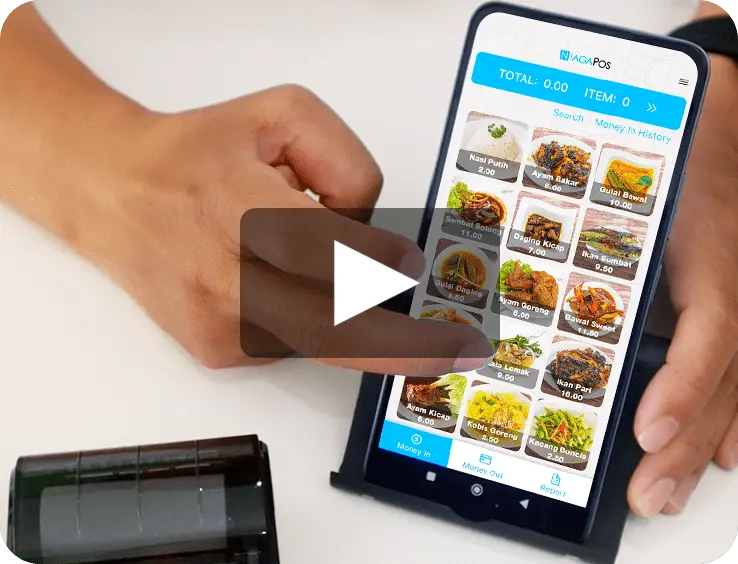
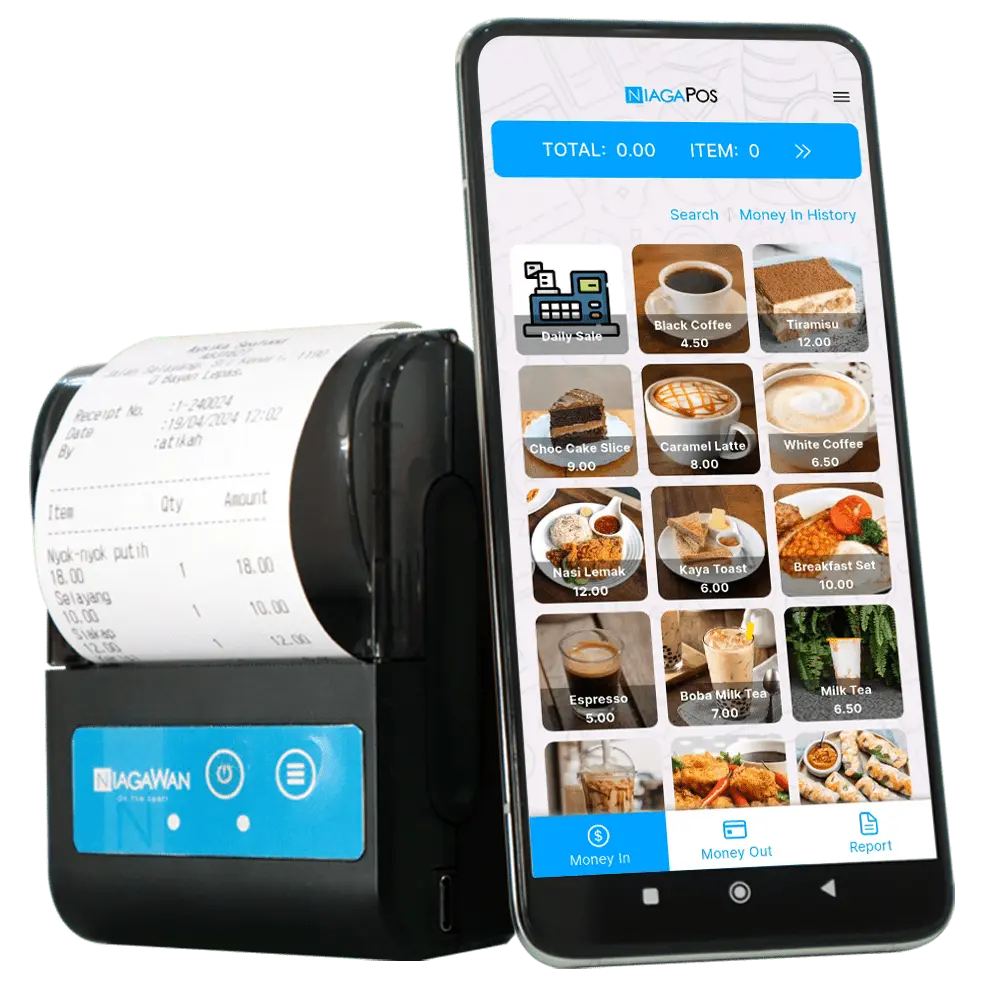
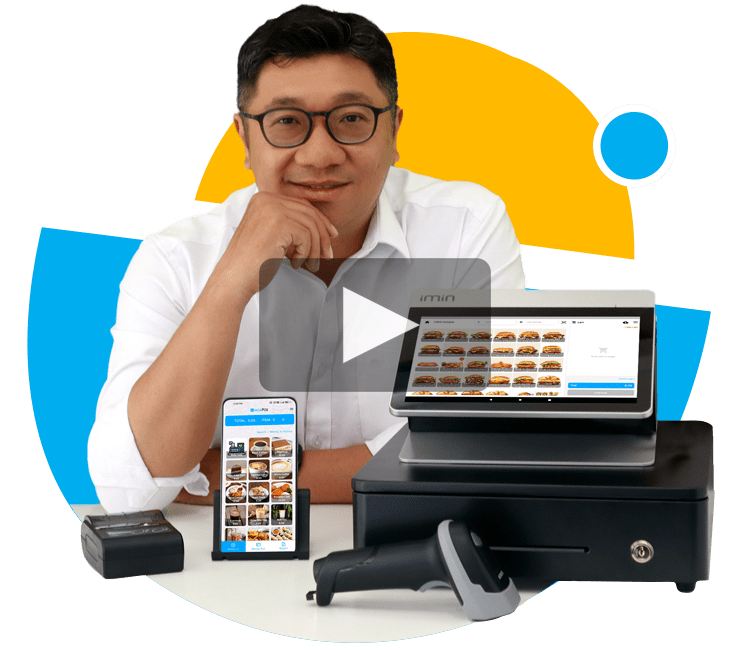
Choose Niagawan POS Lite if you’re a micro or small business owner — such as a food truck, stall, or small retail shop — who needs a simple mobile POS system with basic accounting features.
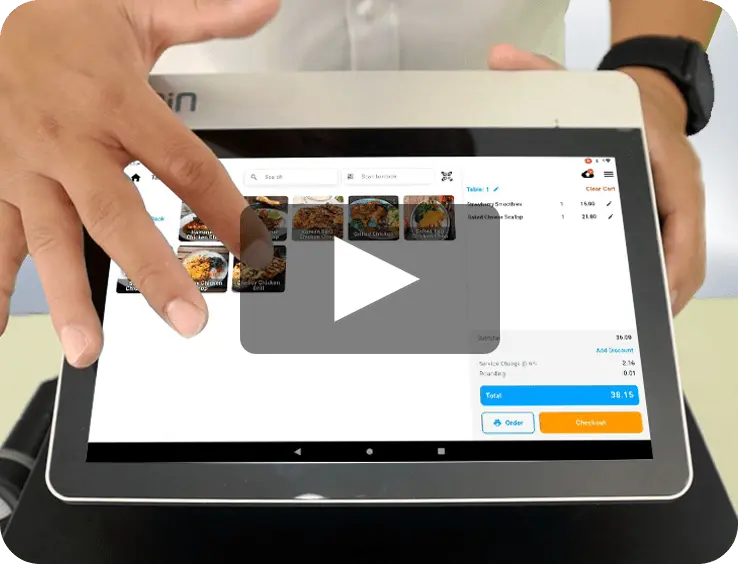
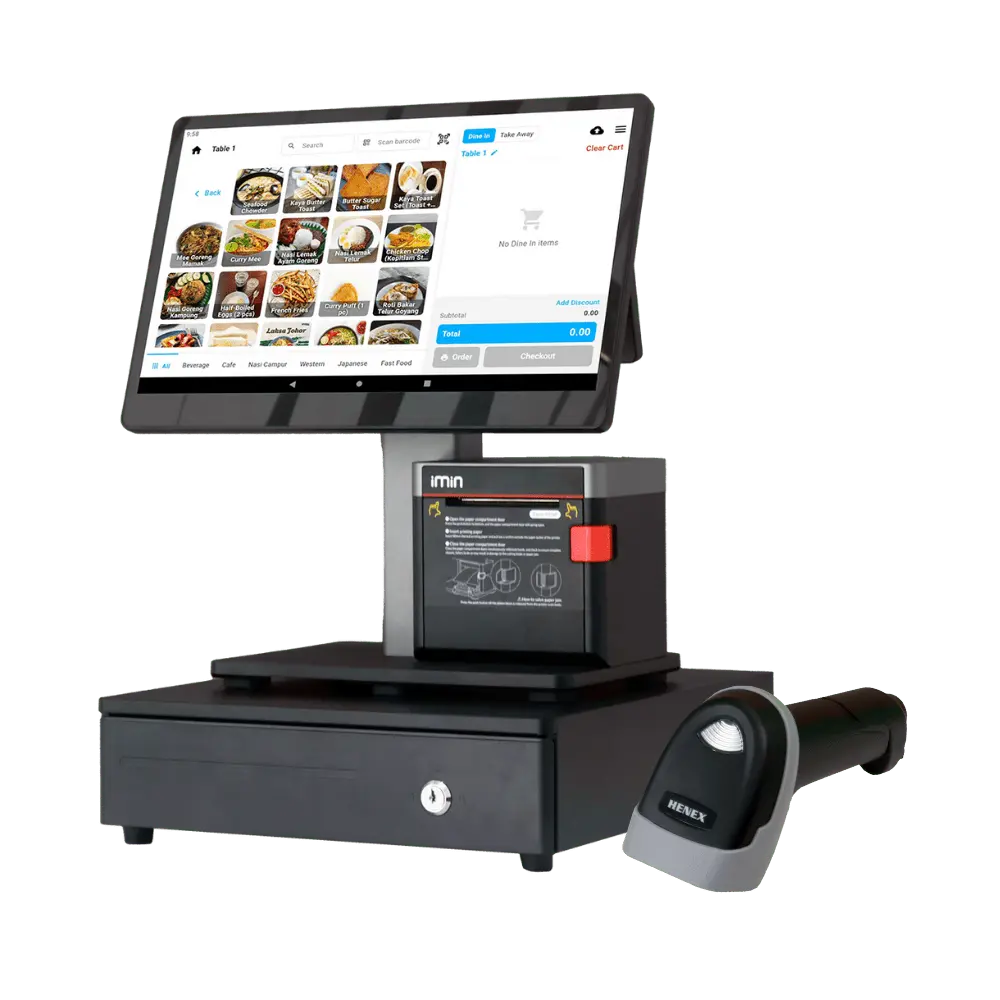
Choose Niagawan POS Pro if you manage a restaurant, café, or retail store that requires table management, inventory tracking, and full integration with accounting software for complete business operations.
2. Can My Staff Use Niagawan POS?
Yes, your staff can use both Niagawan POS Lite and Niagawan POS Pro applications.
For Niagawan POS Lite, the business owner can add additional users by purchasing an add-on at RM100 per user per year — perfect for micro and small business teams.
For Niagawan POS Pro, no add-on is required. You can simply create staff or cashier IDs directly in the system for smooth daily operations.
3. What Hardware Do I Need to Start Using Niagawan POS?
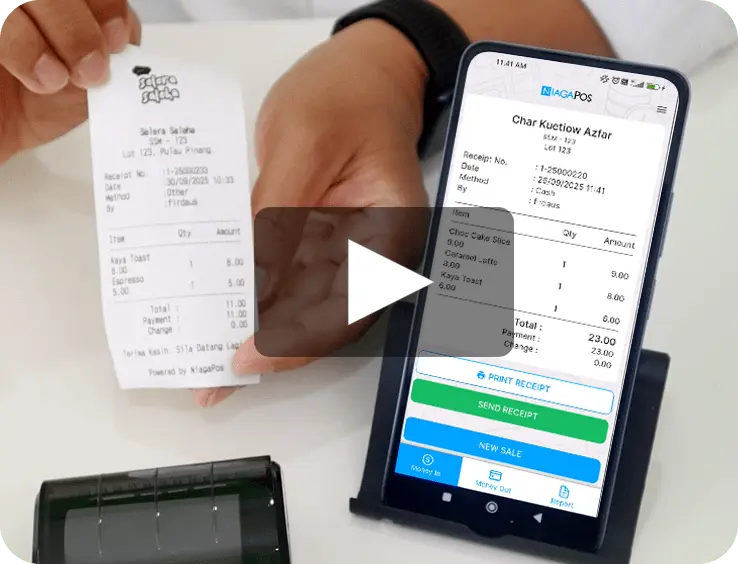
For Niagawan POS Lite, you only need a smartphone and a Bluetooth receipt printer (around RM100). It’s the easiest and most affordable setup for mobile vendors and small retail shops.
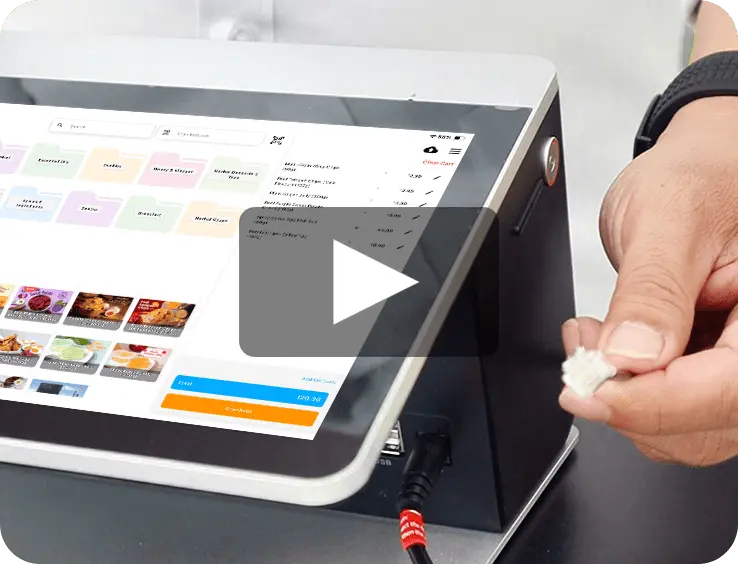
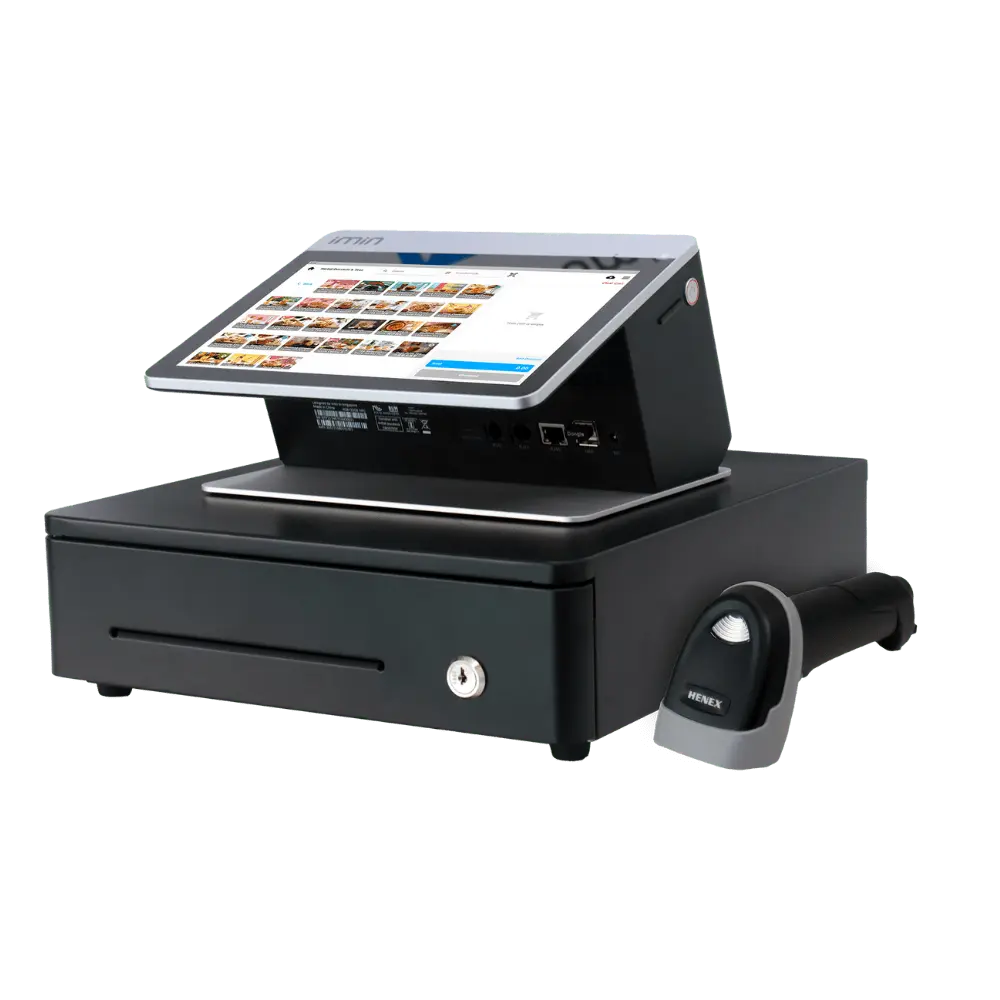
For Niagawan POS Pro, you’ll need a tablet POS device (such as iMin Falcon 1), a cash drawer, and a barcode scanner — ideal for restaurants and retail businesses.
You can add hardware during checkout or contact our sales team to get a complete POS hardware package tailored to your business needs.
4. What If I Have Multiple Outlets or Branches?
For each additional outlet, you’ll need to purchase a separate Niagawan POS account.
This ensures that every business location has its own Profit & Loss (P&L) report, tax records, zakat reports, and e-filing data, making financial management and compliance with LHDN e-Invoice and tax requirements accurate and organized.
Managing each outlet separately also helps you track branch performance, monitor sales by location, and maintain clear, audit-ready financial reports for your business.
5. Can I Upgrade from Niagawan POS Lite to Niagawan POS Pro Later?
Yes, you can upgrade anytime as your business grows.
All your existing sales and accounting data will be automatically transferred to Niagawan POS Pro — no data loss, no downtime.
By upgrading, you’ll unlock advanced POS features such as table management, inventory tracking, barcode scanning, and full accounting integration for more efficient business operations.
6. Can Niagawan POS Be Used to Manage Inventory?
Niagawan POS Lite does not include inventory management features, as it is designed for small and mobile businesses that only need simple sales tracking.
However, Niagawan POS Pro comes with full inventory management, powered by Niagawan Accounting. All product data, stock levels, and purchase records are automatically synced between Niagawan Accounting and Niagawan POS Pro in real time — ensuring accurate stock control and seamless retail or restaurant operations.
7. Can Niagawan POS Connect to the Niagawan Accounting?
Yes, both Niagawan POS Lite and Niagawan POS Pro can be fully integrated with the Niagawan Accounting.
All sales, payments, and expenses recorded in Niagawan POS are automatically synced in real time with Niagawan Accounting — ensuring your POS and accounting data stay accurate and up to date without manual entry.
This seamless integration helps business owners track sales, profit, and cash flow instantly, making Niagawan one of the most complete POS + accounting solutions in Malaysia.
8. Is My Data Backed Up? What If I Lose My Phone?
Yes — all your Niagawan POS data is automatically backed up daily to secure cloud storage.
Even if your phone or device is lost, your sales records, transactions, and business data remain safe and can be restored anytime when you log in from a new device.
With daily cloud backup and data protection, Niagawan ensures your POS system and accounting records are always secure, reliable, and accessible — giving business owners peace of mind.
9. Does Niagawan POS Support e-Wallet or Credit Card Payments?
No — Niagawan POS does not directly process e-wallet or credit card payments.
However, you can record different payment methods (such as cash, online transfer, e-wallet, or card payments) for every sales transaction in the system.
This allows you to track your sales by payment type and maintain accurate financial reports — ensuring better cash flow management and business accounting accuracy.